Automatic recording
On our etracker e-learning platform there is a free video course “etracker Profi Setup”, in which the automatic recording is presented.
Click here to go directly to the first video:
https://academy.etracker.com/path-player?courseid=etracker-profi-setup&unit=699c24be269b7590c4020acfUnit

Select which information should be recorded by default. This includes
- Recording the URL structure as page areas or groups
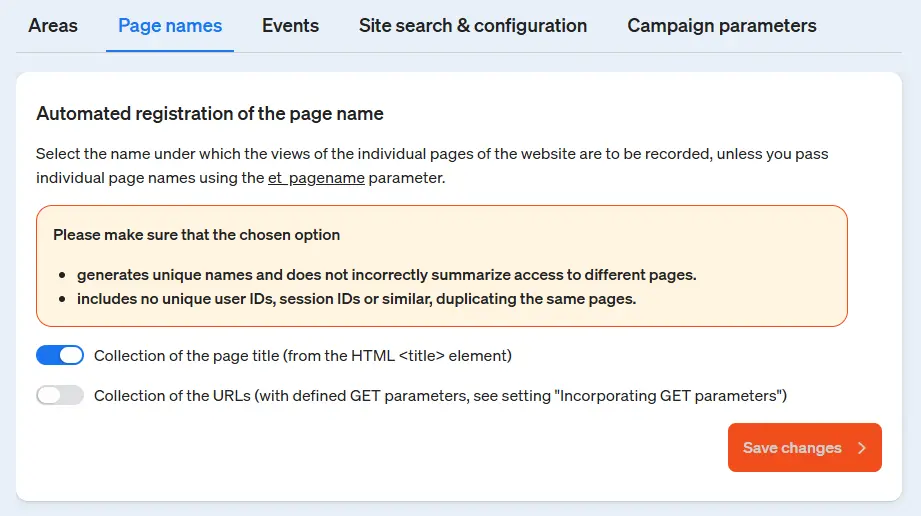
- Capturing the page name from the page title (title tag) or the URL
- Recording of standard interactions as events such as downloads, videos, external links and much more.
- Recording the internal search function
- Collection of campaign parameters from Google, Piwik Pro and Matomo
This speeds up and simplifies the start with etracker analytics enormously. Please pay particular attention to changing the page name if the title tags are not unique.
Account → Automatic Entry → Page Name